Find your space
Inspect a drive or folder, see what takes space, and review candidates before choosing what to remove.
Understand what fills your drives. Review matching files. Bring your folders into order, with a clear preview before you make changes.
Windows release in preparation
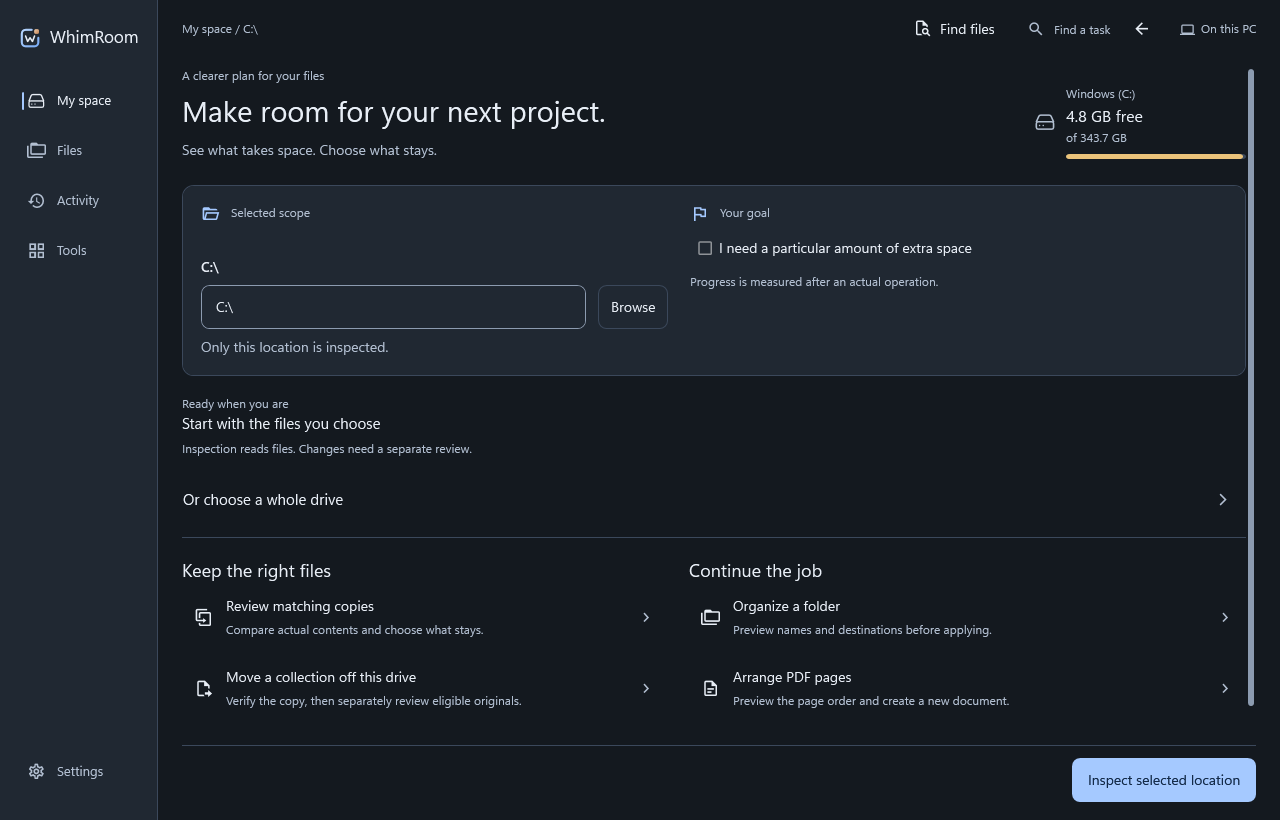
Inspect a drive or folder, see what takes space, and review candidates before choosing what to remove.
Compare matching file contents and review the evidence. Choose the copies you want to keep.
Preview a folder merge or a new filing plan. Check destinations and conflicts before applying it.
From finding space to arranging documents, keep the source, the plan and the result in view.
Start with the location you choose. Inspection and file changes are separate steps.
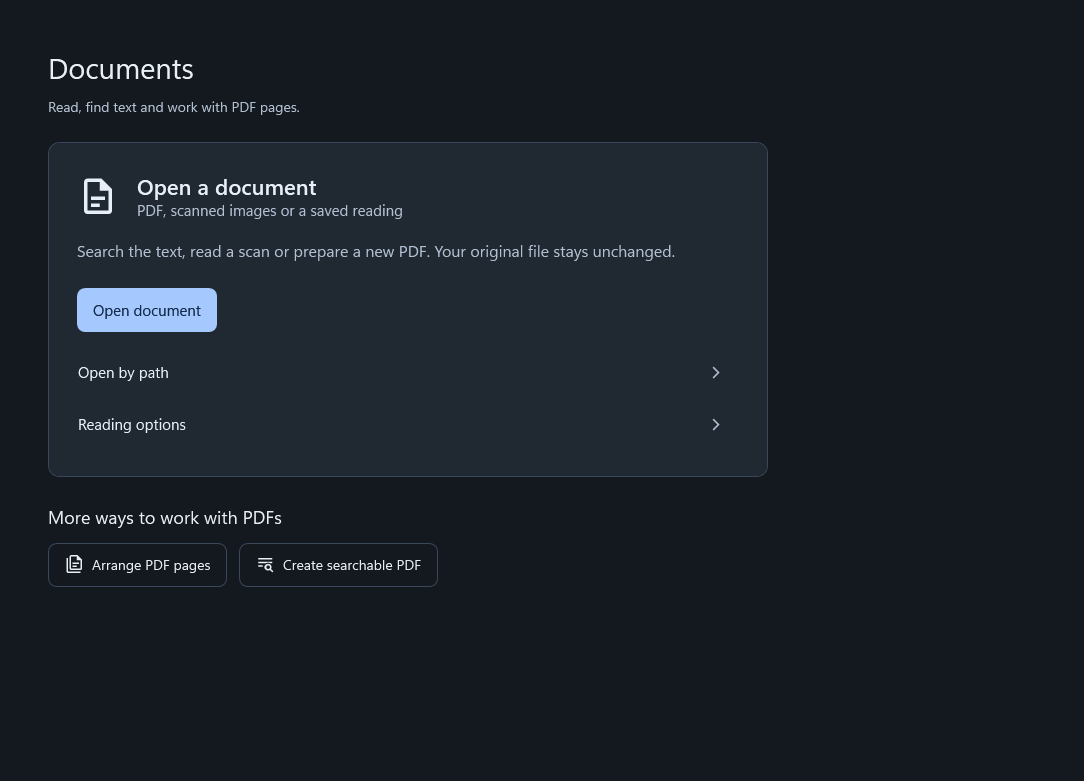
Work with PDFs and local OCR. Review the source and save results to a destination you choose.
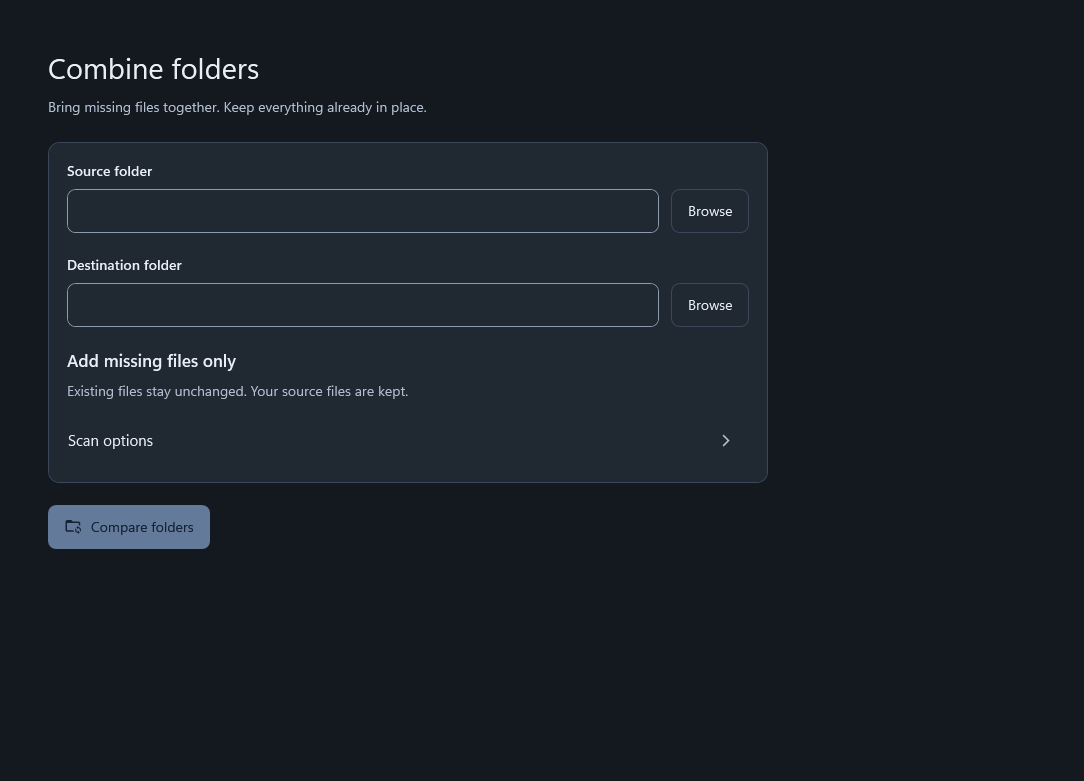
Choose the folders, review the merge plan and resolve conflicts before making changes.
WhimRoom processes scans and document tasks on your PC. File changes have their own review step.
Read how data is handledThe optional MCP connection lets a compatible assistant use WhimRoom tools within approved locations. Results returned to that assistant follow its provider’s privacy policy.
About assistant connectionsGo deeper into the tools, or follow a practical guide for your first inspection.
The public Store release is in preparation. We will add a verified acquisition link once it is available.
No assistant connection is needed for ordinary local file and document workflows. Optional MCP setup uses a compatible external client and that client’s service terms.
Inspection and file-changing actions are separate. Review the proposed scope and operation before approving changes.
Supported locations available through Windows can be used, subject to access, provider behavior and network availability. Direct cloud-account sign-in is not offered here.
Questions, feedback or help with WhimRoom.